Smart Inbox Automation
Saved interface example
Organize incoming mail and prepare the conversations that need a person’s attention.
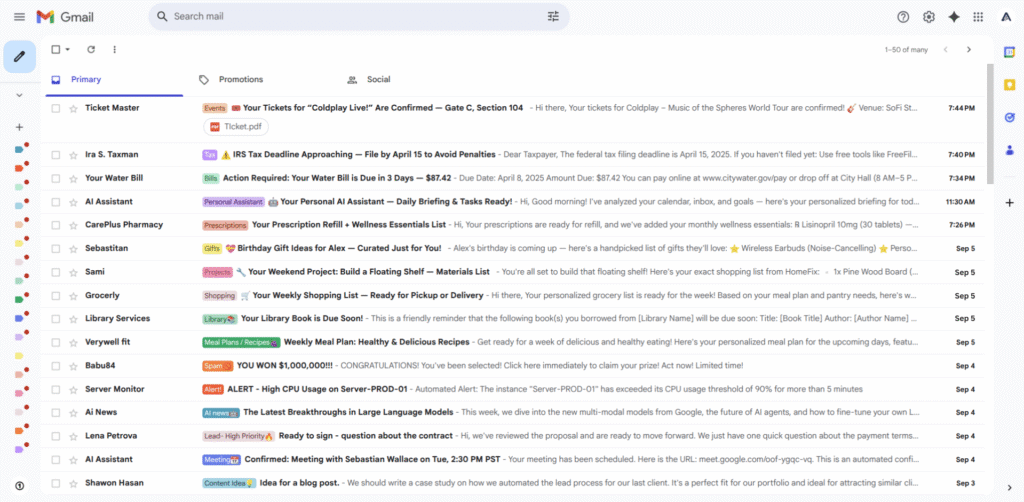
The workflow
- Buyer problem
- Important messages get buried while someone manually sorts and forwards mail.
- Intended users
- Teams whose day starts in their inbox.
- Inputs
- Mail from an authorized inbox, agreed categories, routing rules, and reply guidance.
- Intended steps
- Categorize the message and identify what needs attention.
- Route it to the agreed folder or owner.
- Prepare a reply draft for review where appropriate.
- Intended output
- An organized inbox and reviewable reply drafts with a clear next destination.
- Human review
- Agree on categories, routing rules, and who approves a reply before it is sent. Ambiguous messages and failed handoffs need an explicit review path.
- Limitations
- The saved Gmail image establishes no execution history or time savings. A build still needs routing, duplicate, failure, and approval tests; sending and deletion are separate permissions.